


GodBless


Premium Templates & Sections
Pick a template you like, customize it to fit your style without writing any code.
Explore all templates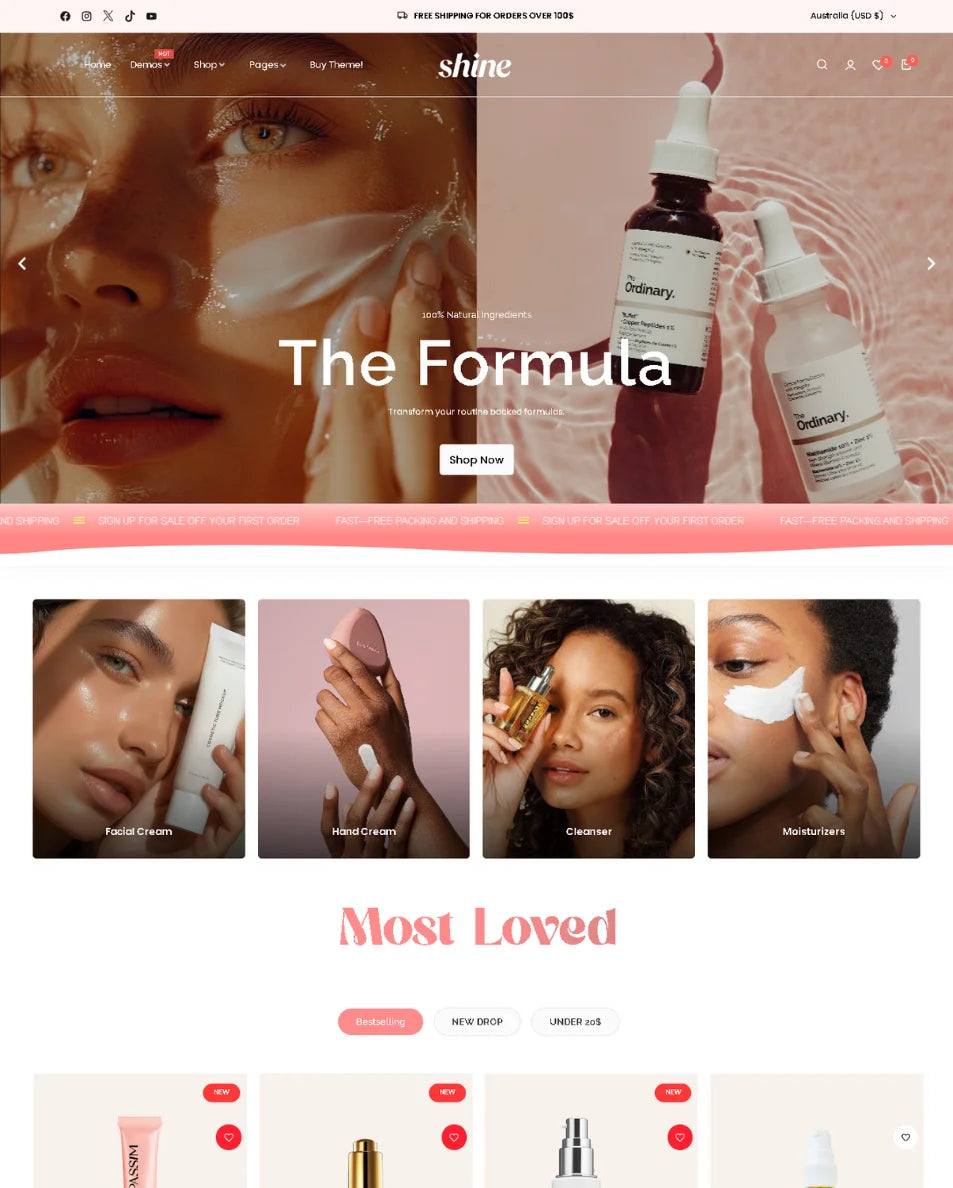
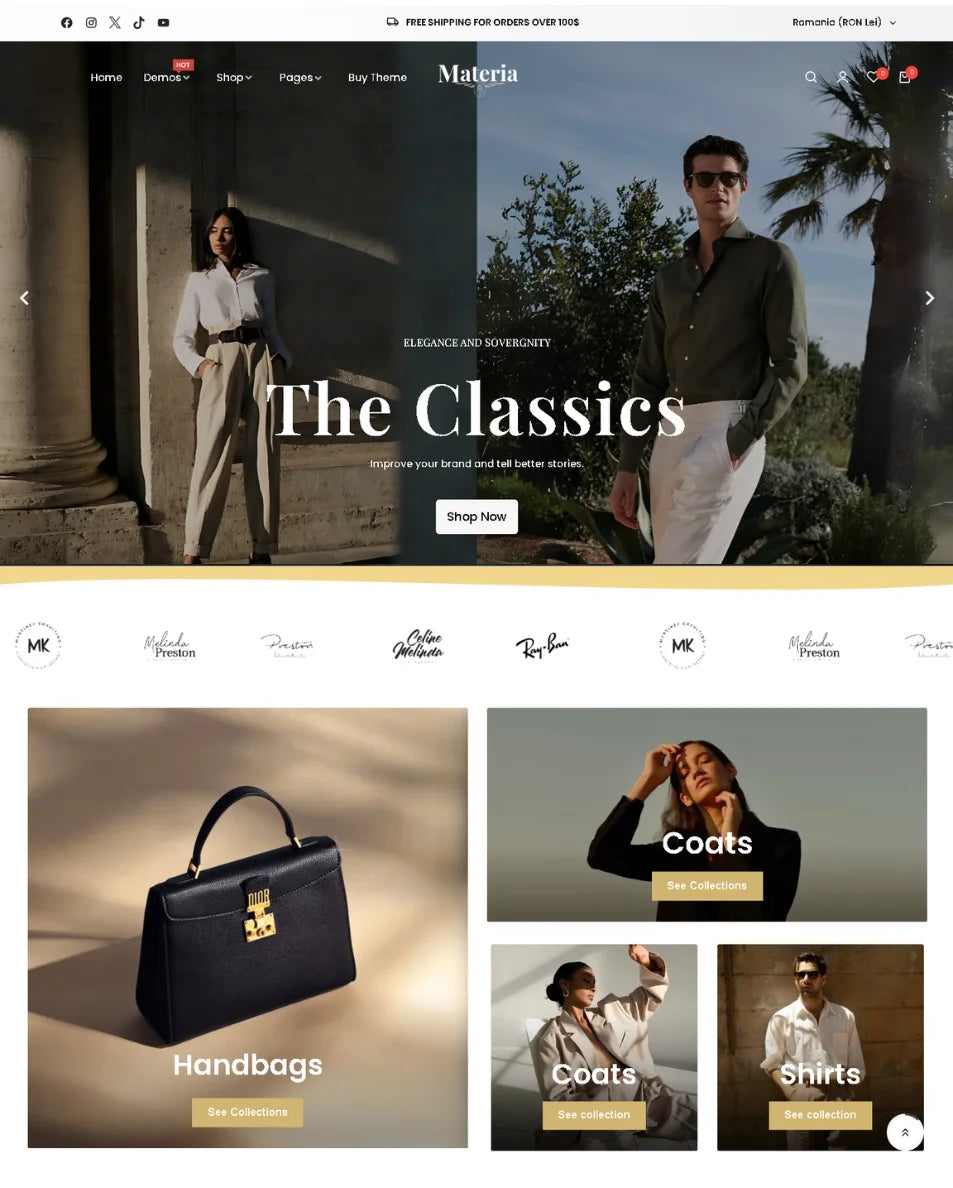
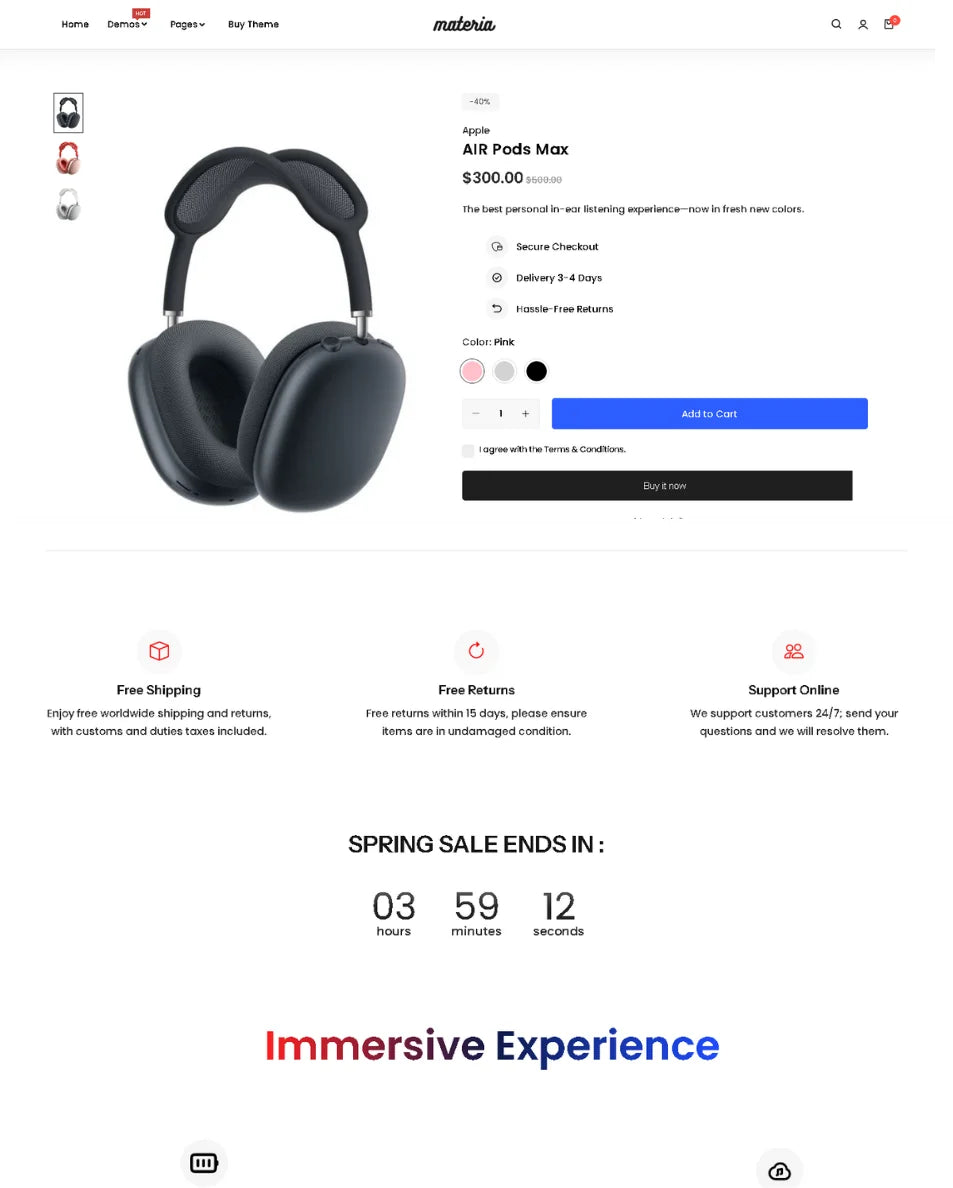


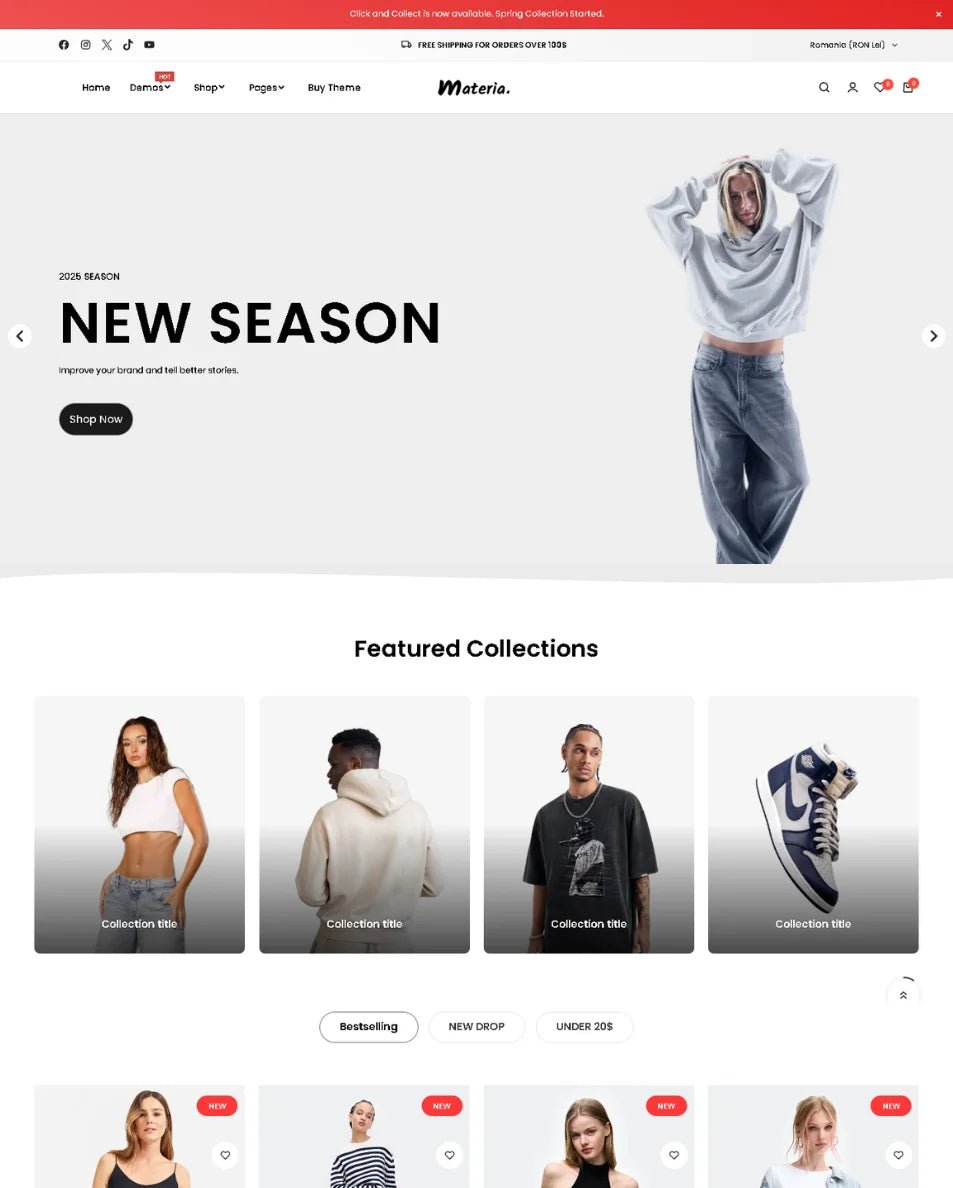


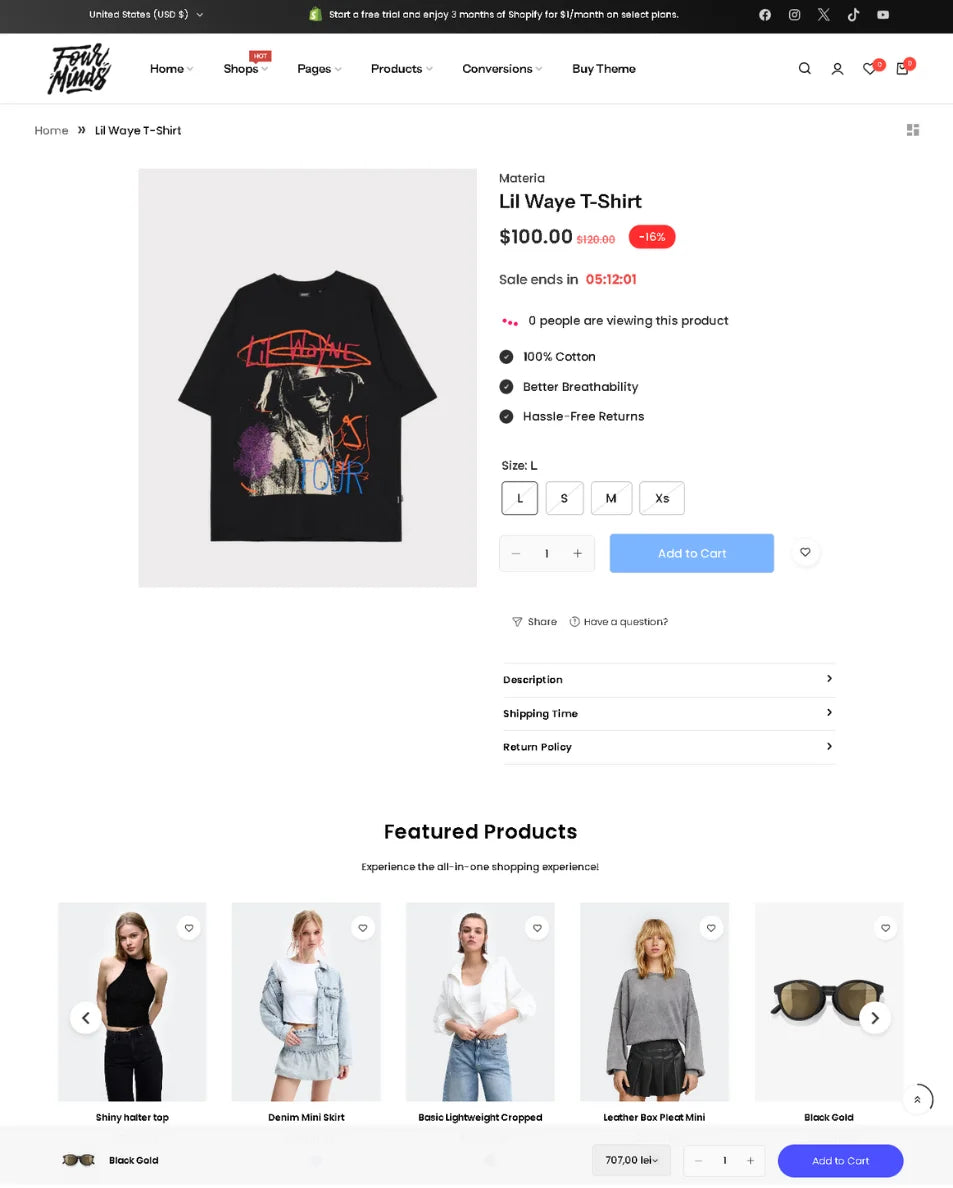
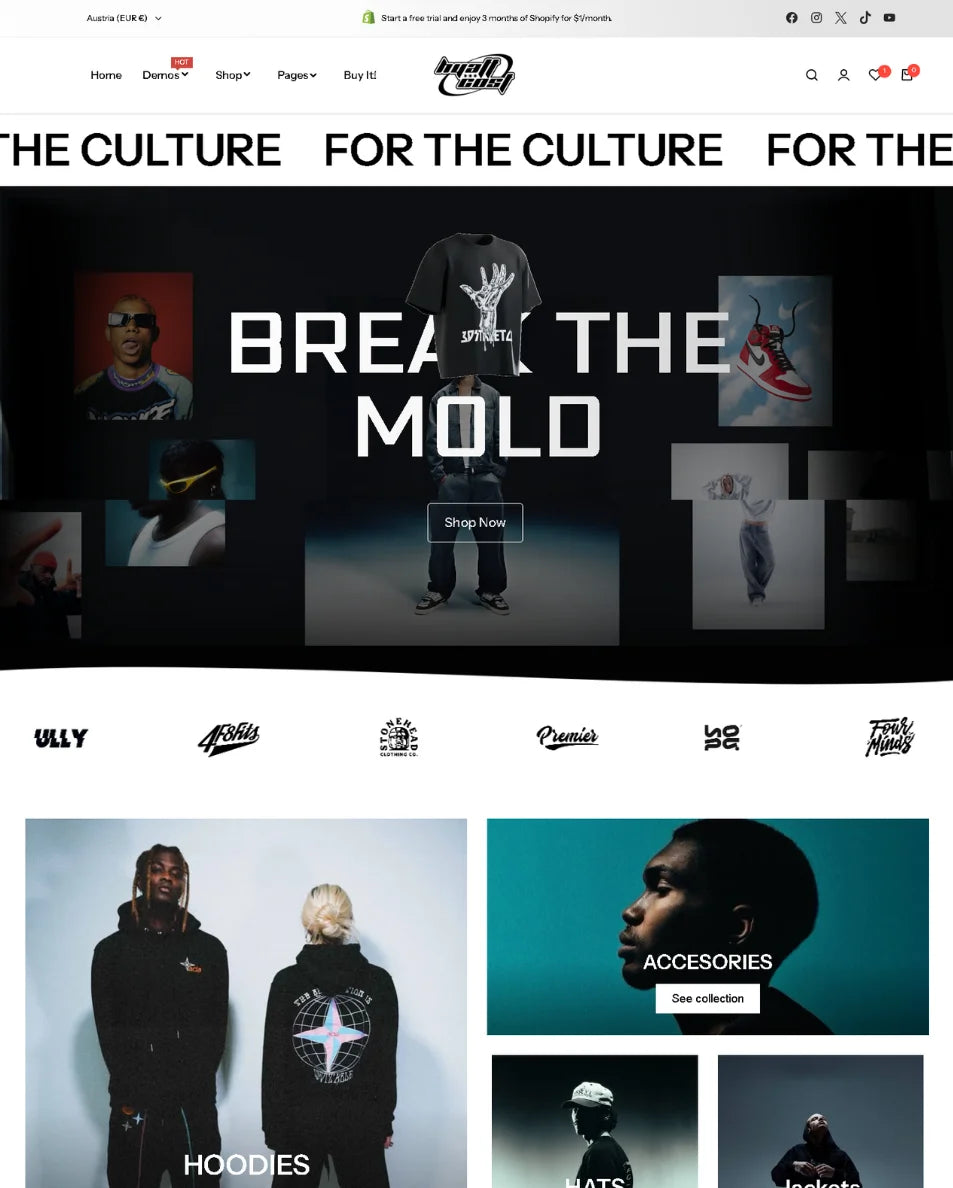
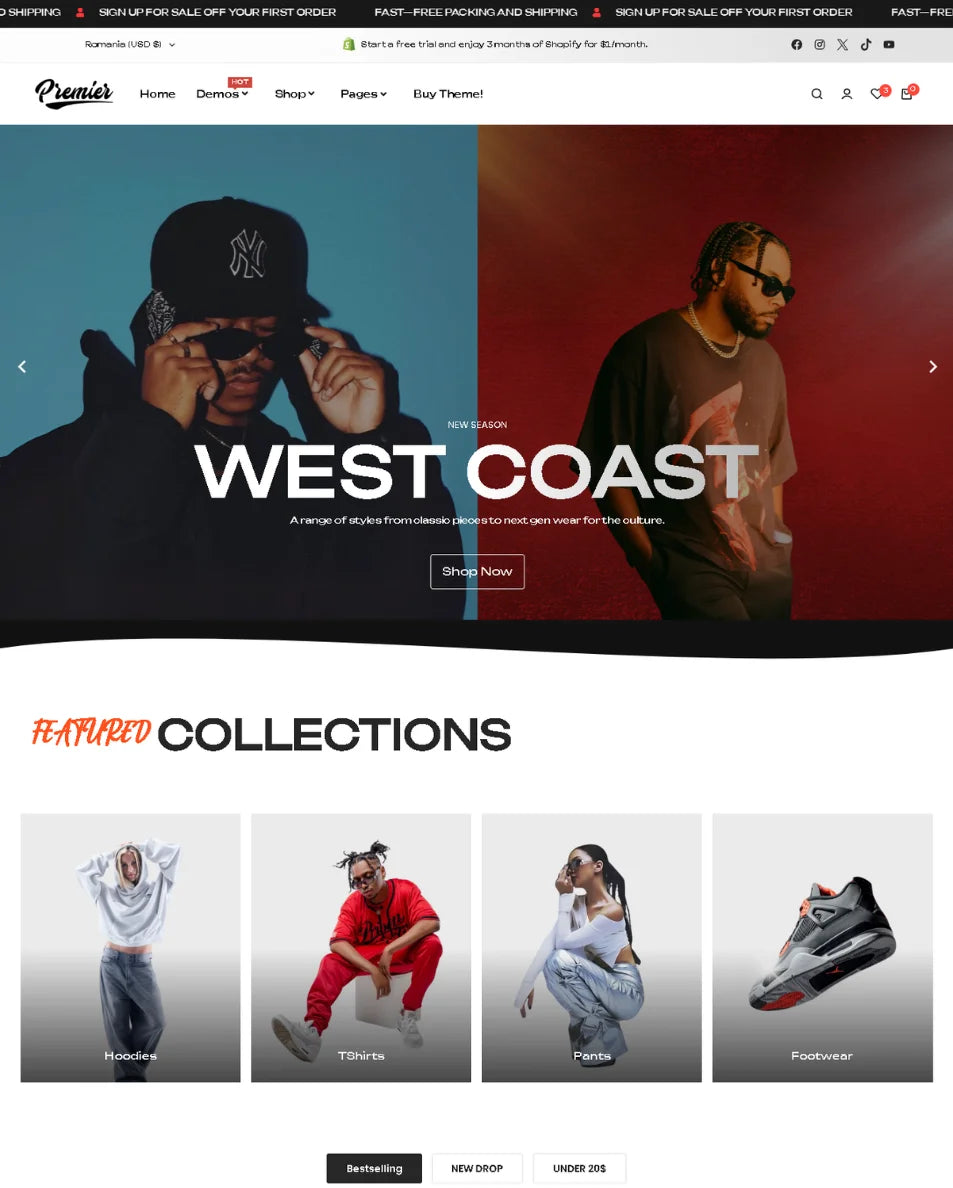


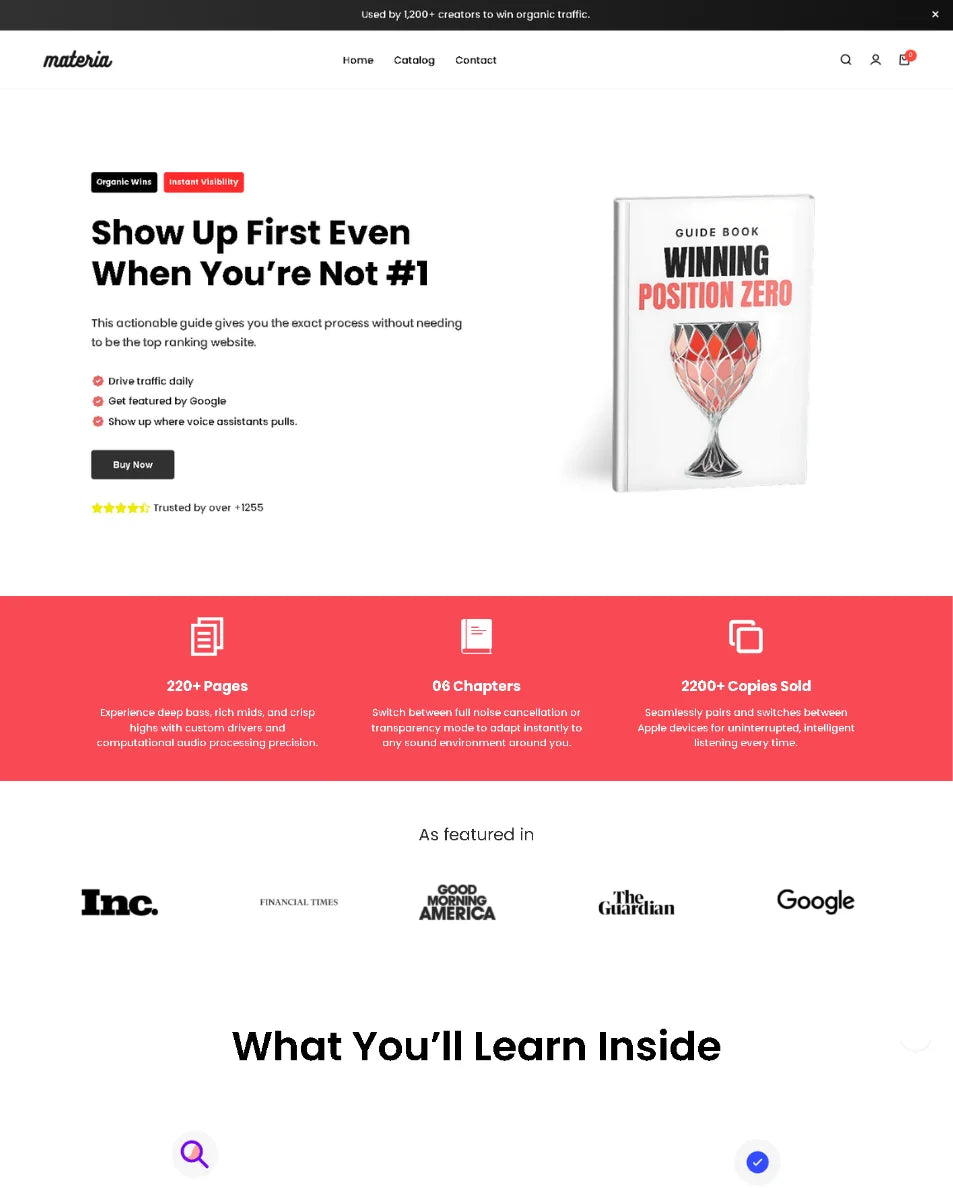
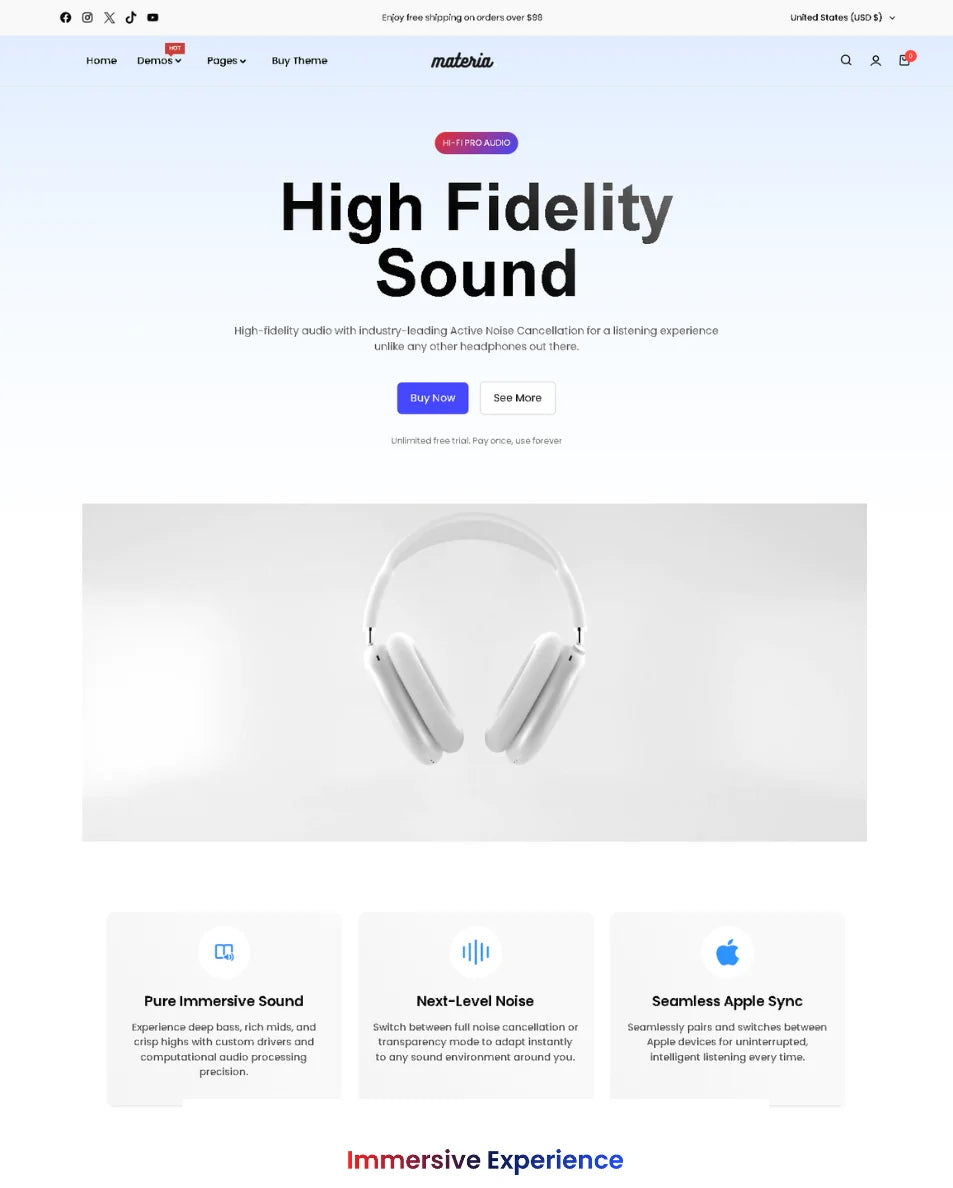
Easy to install
Built for Shopify 2.0
No coding required
Simple Drag & Drop
Frequently Asked Questions
Everything you need to know about Materia.
Materia was built for store owners who don’t want to feel limited. It’s not just a theme , it’s a performance-focused, conversion-driven experience designed to help you fully control how your store looks, feels, and performs.
Unlike other themes that often feel generic or outdated, Materia gives you full design freedom, cutting-edge UI, and real data-backed layouts that are proven to convert. You’re not stuck choosing between beauty and performance — you get both, and everything is optimized to help you sell more.
Materia is a one-time payment. No monthly fees, no hidden costs — once you buy it, it’s yours forever.
We update Materia every 1–3 months with new sections, design improvements, speed enhancements, and compatibility fixes based on the latest Shopify features.
You get free lifetime access to all future updates — no extra costs. Once you purchase, you'll also get access to your own update dashboard, where you can easily download the latest version of your Shopify theme whenever we release new improvements.
Add your answer here. You can use rich text, links and lists.
No worries at all, we built Materia with beginners in mind. Even if you’ve never used Shopify or built a website before, you’re fully covered.
We provide step-by-step documentation, detailed videos, and simple walkthroughs to guide you through everything — from setting up your store to customizing your pages and launching your products.
Our goal is to make it as easy as possible for anyone to start and sell online, no tech skills needed.
Yes, demo images are included.
Yes, you can change your Shopify theme without losing your products, collections, or other backend content. However, any custom code or specific customizations applied to your previous theme will not transfer automatically and may need to be re-implemented in the new theme.


Ready to UpgradeYourShopify Store?
Join modern ecommerce brands building faster and converting better with Materia